
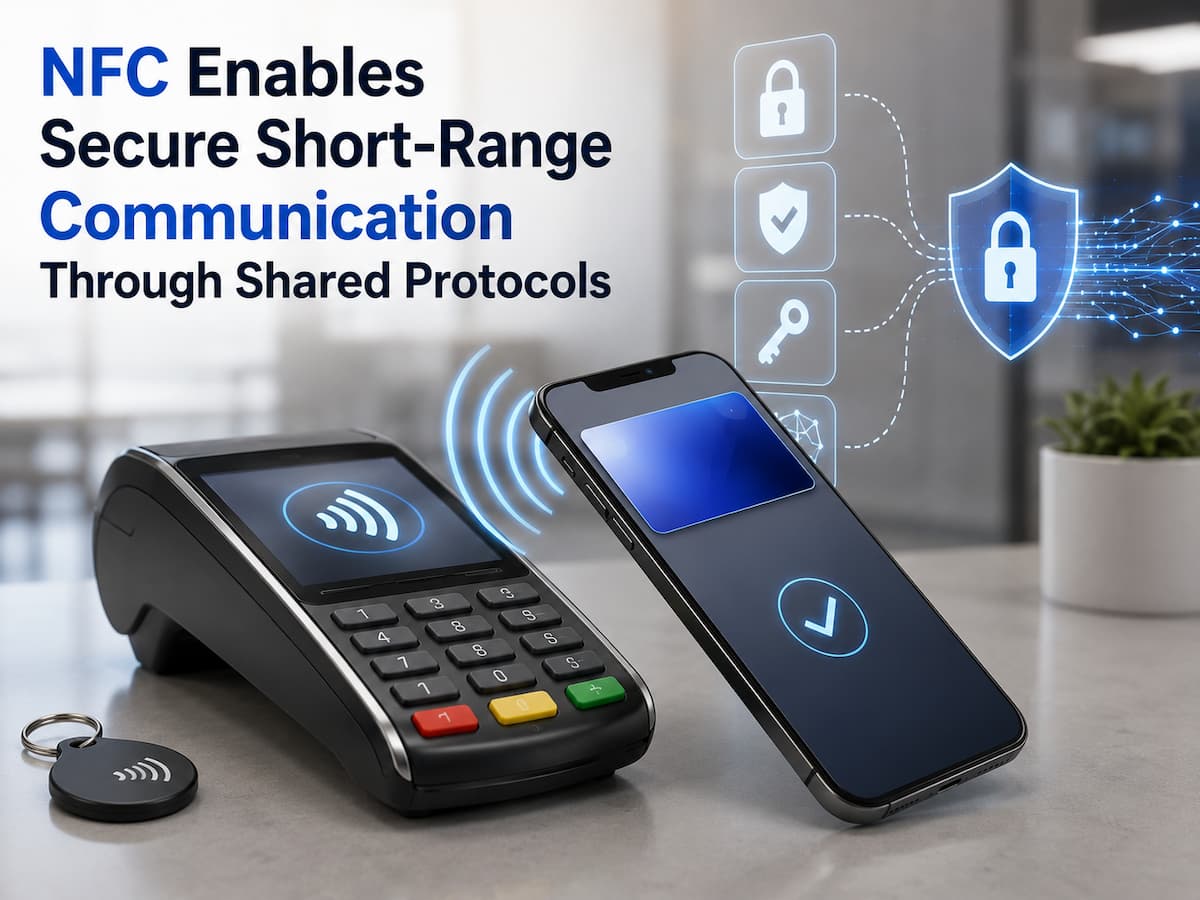
What does NFC mean?
NFC stands for Near Field Communication. NFC is a wireless technology that allows compatible devices to communicate with each other or with NFC tags. Unlike Wi-Fi, NFC only works with very short-range contact. Typically, devices only need to be a few centimeters apart to communicate via NFC.
This makes NFC ideal for various activities, such as holding a phone against a payment terminal or scanning a smart tag. NFC operates at a frequency of 13.56 MHz and is based on a globally accepted standard to ensure correct communication between compatible products. NFC is best viewed as a communication method rather than a complete security system. The security of NFC applications depends on the technology and the security measures used during communication.
How NFC Communication Works
NFC starts working when two compatible devices are close enough to each other. One device can initiate communication, and the other responds. NFC readers can sometimes communicate with inactive tags that have no battery. The reader sends the electromagnetic field required for operation to the tag.
Because the communication range is very minimal, you typically need to move actively. An obvious point of contact is holding a phone against a payment terminal. The devices then share information according to rules agreed upon by both parties. The entire process can involve multiple layers, such as wireless communication, data formatting, application protocols, and security measures. This layered approach makes it easier for NFC devices to work together, while applications can protect themselves in their own way.
Shared Protocols are crucial.
A protocol is a set of rules that governs communication between devices. Without uniform rules, two devices can transmit or interpret the same information differently. NFC standards help people share information in a standardized way. As long as the same technology is supported, these standards help devices from different companies communicate. Standards clearly define how people organize, transmit, and understand information.
However, shared standards do not guarantee absolute security for NFC transactions. To ensure security, measures such as encryption, authentication, secure elements, tokenization, or program security may also be necessary. The protocol is fundamental; the entire system determines the level of security for data processing.
How NFC Supports Secure Communication
Depending on the application, NFC can guarantee secure communication in various ways. Compared to long-range wireless technologies, the short communication distance of NFC reduces the risk of eavesdropping, but the distance is not an absolute security barrier. Secure NFC systems can use encryption techniques to protect private data. Payment systems do not need to transmit reusable card numbers; instead, they can use tokenization and transaction-specific security measures for contactless payments.
Another important factor is authentication. Before an action is performed, the system can verify whether the device, card, or application is authorized. Secure hardware also prevents attackers from quickly stealing sensitive data. Due to the short communication range of NFC, it should not be assumed that all NFC tags or NFC devices are reliable. Security depends on the entire system and the data source.
How to Use NFC for Calling and Messaging
People usually think of three ways to use NFC. It’s easier to see how the technology can be useful in different situations when you know about these modes.
| Mode | How It Works | Common Example |
|---|---|---|
| Reader/Writer | A device reads or writes information on an NFC tag. | Scanning a smart information tag |
| Card Emulation | A device behaves like a contactless card. | Mobile contactless payments |
| Peer-to-Peer | Two compatible devices exchange information. | Device-to-device data sharing |
Not every smartphone supports every NFC feature in the same way. The available functions depend on the device, operating system, application, and supported standards.
Where NFC Is Used
NFC has become part of many everyday systems. Contactless payment is one of the most visible examples, allowing supported phones, watches, and cards to communicate with payment terminals.
It is also used for access control, transport systems, identity applications, product information, device pairing, and smart tags. A business might place an NFC tag on a product package that opens a website when scanned. A museum could use tags to provide additional information about an exhibit. The technology is useful when the interaction should be simple and intentional. Instead of searching for a wireless network or manually entering information, the user can often bring two compatible objects close together and begin the process.
NFC vs Bluetooth and Wi-Fi
NFC is not designed to replace Bluetooth or Wi-Fi. Each technology serves a different purpose.
| Feature | NFC | Bluetooth | Wi-Fi |
|---|---|---|---|
| Typical range | Very short | Short to moderate | Longer local range |
| Best suited for | Tap-based interactions | Accessories and device connections | Internet and network access |
| User interaction | Usually deliberate tap or close placement | Pairing and connection | Network connection |
NFC can also help simplify connections. For example, an NFC interaction may help initiate a Bluetooth pairing process, while Bluetooth then handles the longer communication session.
Common NFC Security Risks
Due to the short transmission distance of NFC, some risks still exist, although they are less serious. Attackers may attempt to place malicious tags in public places or trick people into scanning tags they should not scan. Tags can redirect users to fake websites or try to entice them into unwanted actions. Another risk is that people mistakenly believe that every seemingly secure NFC transaction is actually secure. Therefore, people should always consider the origin of the tag and the intended use of the phone.
Malicious or manipulated tags, phishing links, unauthorized intrusion attempts, and errors in poorly designed applications can all pose security risks. The degree of danger depends heavily on the NFC system and what happens after the communication.
How to use NFC more safely
To use NFC safely, it is important to adopt good habits and ensure that your device is properly locked. Update your smartphone’s operating system and applications to patch known security vulnerabilities. Be extra careful when reading NFC tags you do not recognize. If a tag opens a website, check the web address before entering passwords or financial information. Do not agree to unexpected requests for payment, login, or permission after clicking on something. Use trusted apps for private purposes, and enable your device’s security features if necessary, such as a strong screen lock and biometric authentication.
Quick security checklist
- Keep your apps and phone system up to date.
- Carefully scan NFC tags you do not recognize.
- Check links before adding private information.
- Ensure your screen is properly locked.
- Carefully review all unexpected payment or permission requests.
- Use payment and authentication apps that you trust.
Troubleshooting NFC Issues
If NFC is not working, perform a simple check first. If NFC is enabled on your device, check if it is turned on. Remove any heavy phone cases or other accessories that might block your phone’s location. Then, slowly move your phone to the desired location. Please note that the location of the NFC receiver may differ from what you expect. On some phones, it is located on the back or top. If a location does not work, try a different one on your phone. Another common issue is incompatibility. NFC tags may use formats or features that some devices or apps do not support. If contactless payment is not available, check that your region supports the payment service and that you have set up the correct payment application.
Future Developments in NFC Communication
NFC remains extremely useful because it solves a specific problem: it makes connecting to nearby objects simple and straightforward. It will likely play a major role in payments, access control systems, identity verification applications, smart products, and related applications.
Better interoperability, improved security, a better user experience, and new ways to interact with physical objects will likely be the main goals for future improvements. As more devices support contactless technology, shared standards will continue to play a crucial role in ensuring successful communication between systems. It is essential to understand that no single factor can guarantee NFC security. Standards, secure hardware, authentication, encryption, application design, and responsible user behavior all work together to ensure NFC security.
Conclusion
NFC simplifies communication over short distances by enabling compatible devices and tags to share information via shared standards and protocols. Due to the short operating distance, many interactions are pre-planned. Technologies such as authentication, encryption, tokenization, and secure hardware can further improve NFC security.
For ordinary users, it is important to understand that NFC is merely a method of communication, not an guarantee of security. Keep your devices up to date, be cautious with unknown tags, check for unexpected connections, and use only trusted applications for private purposes. If these simple habits are adopted and combined with a robust security system, NFC can be a convenient and secure way to connect the real and digital worlds.
FAQs
1. Is NFC a secure communication method?
NFC can be used in highly secure systems, but that does not mean the system itself is absolutely secure. Although the short communication distance is an advantage, the system’s ability to process authentication, encryption, login credentials, and sensitive data determines security. In addition to the NFC connection itself, secure payment systems can utilize various other security technologies.
2. Can someone eavesdrop on NFC signals?
Technically, it is possible to intercept or attack wireless data in other ways, so NFC should be considered hackable. However, the extremely short effective range makes many simple attacks difficult to carry out. Secure applications add extra defense mechanisms to reduce the value of intercepted information.
3. Does NFC require an internet connection to function?
NFC communication does not always require an internet connection. NFC tags store data that nearby phones can read. However, operations performed using NFC may require an internet connection. Scanning a tag that points to a website, for example, requires a network connection to load the website.
4. What is the difference between RFID and NFC?
RFID and NFC technologies are closely related, but the two terms are not always interchangeable. NFC is based on a specific short-range communication standard, enabling bidirectional communication between compatible devices. RFID encompasses much more than just tags and readers. Tags and readers are used for billing, identification, and tracking.
5. Can NFC tags contain malware?
In most cases, NFC tags do not contain malware such as executable files. However, malicious tags can contain information that directs devices to dangerous websites or causes them to perform certain actions. Users should treat unknown NFC tags with the same caution as unknown QR codes or links.
6. Why can’t my phone sometimes read NFC tags?
Some common reasons include: NFC is disabled, the tag is misplaced, the phone case is blocking it, the tag size is not recognizable, or the tag is damaged. Try removing a thick phone case and slowly holding the phone close to the tag to test. If the problem persists, verify if the phone and the tag use the same NFC technology.
References
- International Organization for Standardization (ISO) — ISO/IEC 14443 standards for contactless integrated circuit cards.
- NFC Forum — Technical specifications and information about NFC technology and interoperability.
- National Institute of Standards and Technology (NIST) — Guidance and publications on wireless and mobile security.
- European Telecommunications Standards Institute (ETSI) — Standards and technical information relating to contactless communication technologies.
- GSMA — Industry resources covering mobile connectivity, digital identity, and mobile security.