
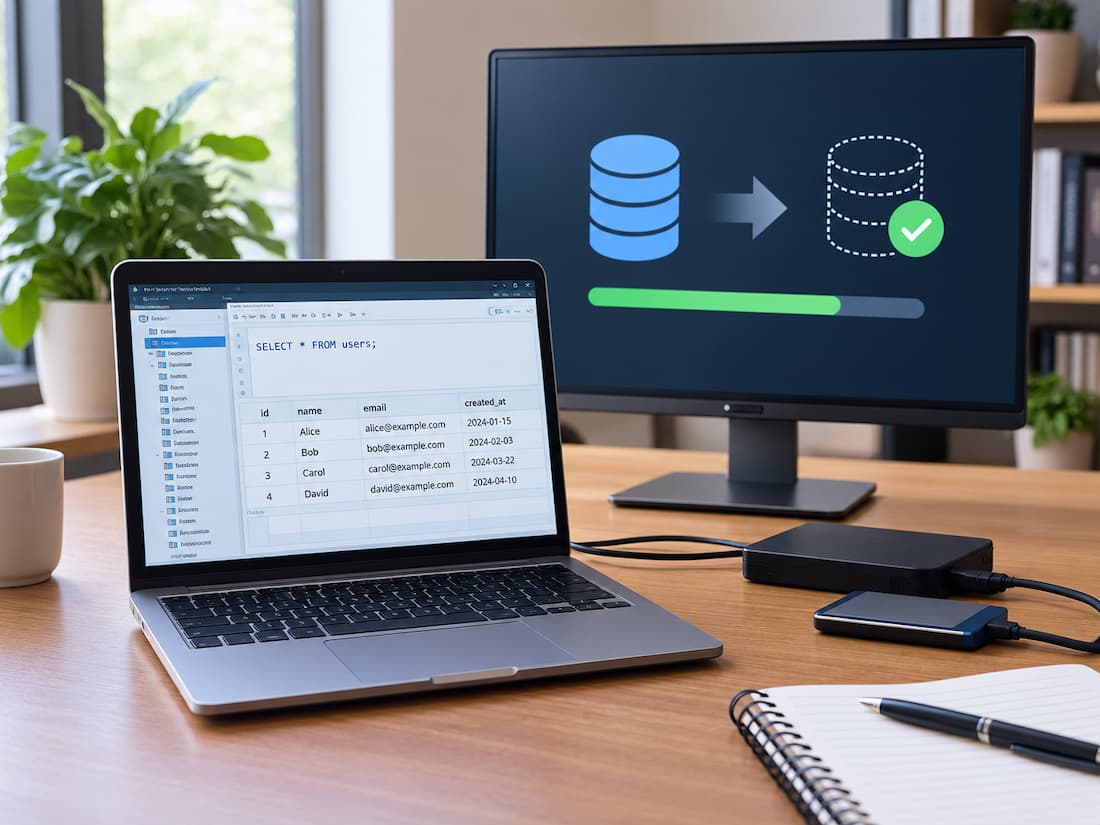
A database backup job finishes overnight, and the monitoring dashboard reports success. Two months later, a server fails, and the team tries to restore the latest backup. The database will not start because an encryption key is missing, or the backup depends on an earlier file that is no longer available. The team has a copy of its data, but it cannot bring the system back online as expected.
This situation highlights a critical difference between creating a database backup and proving that the backup can be restored. A backup job confirms that a particular operation completed according to its software’s checks. A recovery test examines whether the saved data, required files, configuration, and procedures can actually rebuild a usable database.
For a small business, this distinction matters because recovery problems often remain hidden until the original database is damaged or unavailable. Regular restoration tests help identify these problems while the production system is still working, giving the organisation time to correct them without the pressure of an emergency.
A Successful Backup Does Not Guarantee a Successful Recovery
A database backup process usually records whether the requested data was captured and written to its destination. Depending on the database engine and backup method, the software may also verify that the backup file was created, transferred, or passed certain integrity checks. These results are useful, but they do not prove that the complete recovery process will work.
Recovery involves a different set of operations. The team must locate the correct backup files, obtain any required keys, restore the data in the correct order, apply transaction logs when necessary, and bring the database into a consistent state. The application must then be able to connect to that database and use the restored information. A backup can therefore succeed while recovery fails for reasons unrelated to the original backup job.
Consider three separate questions:
- Was the backup created? The backup software completed its task and reported success.
- Can the backup be restored? The required files, keys, software, and procedures are available and work together.
- Can the business use the restored database? The database passes appropriate checks, and the application can perform its essential tasks.
Each question requires its own verification. Backup monitoring primarily addresses the first, while recovery testing examines the second and third.
What Makes a Database Backup Restorable?
The backup method affects how restoration works. Understanding the basic differences helps an organisation identify what must be tested.
Full Backups
A full backup captures the database according to the database engine’s backup method. It often provides a straightforward starting point for recovery because the restoration process does not necessarily depend on earlier backup files.
However, a full backup is not automatically self-sufficient. Some systems require transaction logs, configuration information, encryption keys, or other supporting components to complete recovery.
Incremental Backups
An incremental backup captures changes since a defined earlier backup point. Depending on the backup system, restoring the latest state may require a full backup followed by several incremental backups in the correct sequence.
If one required file is missing, damaged, or associated with the wrong backup chain, the restoration may stop before reaching the intended recovery point.
Transaction-Log Backups
Some database systems support backups of transaction logs, which record database changes. These backups can help restore a database to a particular point in time when the required data and log sequence are available.
A recovery test should confirm that the organisation can restore the base backup and apply the necessary logs in the correct order. The exact process depends on the database engine and backup configuration.
The important principle is that a backup must be tested as a complete recovery path, not merely as an individual file. If the business depends on a chain of backup components, the test must verify that the chain works.
Common Reasons Database Restoration Fails
A failed recovery does not always mean that the main backup file is corrupt. Problems can arise from missing dependencies, incompatible environments, or gaps in the recovery procedure.
The following table connects common symptoms with possible causes and practical verification steps.
| Failure Symptom | Possible Cause | Appropriate Verification |
|---|---|---|
| Restoration stops before completion. | Missing incremental backup or transaction log | Inventory the required files and test the complete backup chain. |
| Backup cannot be decrypted. | Missing or incorrect encryption key | Confirm authorised key access and perform a controlled decryption or restoration test. |
| The database refuses to start. | Incompatible database version or configuration | Test restoration using a supported version and documented settings. |
| Integrity checks report errors. | Corrupt backup data or an incomplete recovery | Run database-specific integrity checks after restoration. |
| The database starts but contains outdated information. | Incorrect recovery point or missing logs | Verify timestamps and compare known records with the intended recovery point. |
| The application cannot connect. | Missing credentials, configuration, drivers, or network settings | Test application connectivity in the isolated recovery environment |
| Recovery takes much longer than expected. | Slow restoration, missing preparation, or underestimated data volume | Measure the complete process and investigate delays. |
| Nobody knows which steps to follow. | Incomplete or outdated recovery documentation | Ask an authorised operator to perform the procedure using the written instructions. |
These symptoms are starting points for investigation, not definitive diagnoses. One failure may have several possible causes, and the appropriate checks depend on the database engine, backup software, and hosting environment.
RPO and RTO Define What Recovery Must Achieve
A recovery test needs clear targets. Two useful measures are the recovery point objective (RPO) and recovery time objective (RTO). Recovery Point Objective (RPO) defines how much data loss, measured in time, the business can tolerate. For example, an RPO of 30 minutes means the organisation aims to recover to a point no more than 30 minutes before the disruption, assuming the recovery target is achievable.
Recovery Time Objective (RTO) defines the target time within which the system should be restored after a disruption. An RTO of four hours means the business aims to restore the required service within four hours. These objectives measure different things. RPO concerns the age of the recovered data; RTO concerns the time needed to restore the service.
Suppose a small online retailer accepts customer orders throughout the day. Its business decides that losing more than 15 minutes of order data would be unacceptable. It also wants the ordering system restored within two hours. A recovery test should examine whether the available backup and transaction-log sequence can meet the 15-minute recovery point target. It should also measure how long the process takes from the agreed starting point to a verified, usable ordering service.
If the organisation can restore the database in 90 minutes but loses three hours of data, it has met neither requirement in full. If it recovers the correct data but needs five hours, it has achieved the data target but missed its time target. The objectives should reflect actual business needs, not arbitrary values. They also need to be realistic for the chosen backup method and available resources. A test that misses a target is still valuable because it identifies a gap that can be addressed.
How to Perform a Database Recovery Test Safely
A small organisation does not need a dedicated disaster-recovery department to begin testing. It needs an agreed procedure, an isolated environment, an authorised operator, and enough time to examine the results.
The following process provides a practical starting point. Specific commands and recovery options must come from the documentation for the database engine and backup system in use.
Step 1: Define the Test Before Starting
Write down what the test must prove. Identify the database, the backup date, the desired recovery point, the RPO, and the RTO. Decide which application functions must work before the test can be considered successful.
For example, a business database may need to support customer lookups, order searches, and report generation. Merely opening the database is not enough if those functions depend on additional tables, permissions, or services.
Assign responsibility for performing the test and approving the result. Record the expected outcome so the operator has a clear basis for evaluating success.
Step 2: Gather the Complete Recovery Materials
Locate the backup files and identify every dependency needed for restoration. Depending on the system, these may include:
- A full backup and all required incremental backups.
- Transaction logs needed to reach the target recovery point.
- Authorised encryption keys or access to a key-management service.
- Database software and compatible version information.
- Configuration files, required credentials, and application connection settings.
- Written restoration instructions and any necessary supporting components.
Check that the files are accessible and that their dates, identities, and sequence match the planned recovery. Where supported, compare checksums or use the backup system’s verification features to detect changes or corruption.
Do not assume that a file exists simply because a monitoring report refers to it. Confirm that the required material can actually be retrieved.
Step 3: Prepare an Isolated Environment
Restore the database to a separate test server, virtual machine, or appropriately isolated environment. It should have enough storage and computing capacity to perform the recovery realistically. The test system must not overwrite production data or unintentionally serve live users. Use separate database names, credentials, network settings, and connection strings where appropriate.
Pay particular attention to scheduled jobs, email services, payment integrations, and other automated actions. A restored application could otherwise send real messages, process duplicate transactions, or modify live records. If the backup contains customer or employee information, restrict access to authorized testers. Use approved masking or anonymization procedures when practical, and protect any retained test data according to the organization’s security and privacy requirements.
Step 4: Restore the Database
Follow the documented procedure for the relevant database engine and backup method. Restore the required base backup, apply incremental backups in the correct sequence, and apply transaction logs when needed. Record the start time, the completion time, and any errors or manual interventions.
Do not quietly skip failed steps or substitute different files without documenting the change. A test should reveal whether the written recovery process works as intended, including whether an operator can follow it without relying on undocumented knowledge. If restoration fails, preserve the error details and investigate the cause before declaring the test complete.
Step 5: Check Database Integrity
Once restoration finishes, perform the database engine’s supported integrity checks. These may examine structural consistency, page integrity, indexes, or other database-specific conditions. Also verify that the expected schemas, tables, and essential records are present. Where suitable, compare record counts or selected business records with trusted reference information from the intended recovery point.
These checks help establish whether the restored database is structurally sound and contains the expected information. However, a database can pass integrity checks and still fail to support its application. Structural validity is one part of recovery verification, not the final acceptance test.
Step 6: Verify the Application
Start the application against the isolated database using controlled test settings. Test representative business operations, such as signing in with an approved test account, searching for a customer, viewing an order, or generating a report. If the application writes data, create clearly identified test records and verify that the changes behave as expected.
Check permissions, database connections, required background services, and any essential dependencies. Confirm that the application reads the restored data correctly rather than silently connecting to the production database or another unintended source. The test should prove that the system is usable for its intended purpose, not just that the database process starts.
Step 7: Measure the Result and Clean Up
Record the total recovery duration and compare it with the RTO. Determine the latest successfully recovered transaction or other reliable recovery marker and compare it with the RPO.
Document any delays, missing dependencies, failed checks, and workarounds. After the test, securely remove temporary data and credentials according to the organization’s retention and security procedures. If the test fails, assign corrective actions and deadlines. Repeat the relevant test after the problem has been resolved.
An Illustrative Example: The Missing Transaction Logs
Consider a small accounting company that receives a successful status message for its nightly database backup. The backup files appear to be present, and the team assumes that the company could recover its records if its database server failed.
During a scheduled recovery test, an administrator restores the latest full backup. The database itself restores correctly, but the team cannot recover the intended point later that day because one required transaction-log backup is missing from the recovery chain. The nightly backup job was successful according to its own completion criteria, but the overall recovery objective has not been demonstrated.
The administrator investigates the log-retention process, identifies where the required file became unavailable, and corrects the process. The company then repeats the test using a complete backup chain and verifies the recovered records. This is an illustrative example, not a report of a real incident. It demonstrates why testing the entire recovery path can reveal problems that ordinary backup monitoring does not detect.
How Often Should Recovery Testing Take Place?
There is no single testing frequency that fits every organization. A business that updates critical financial or order records throughout the day has different needs from one whose database changes infrequently. Choose a schedule by considering four factors. Business impact: If database loss would stop sales, payroll, customer service, or another essential function, test recovery more frequently. The consequences of a failed restore justify closer verification.
Data change rate: Databases with frequent updates may depend on a longer or more active transaction-log sequence. Test whether the available recovery points meet the organization’s RPO. Infrastructure changes: Database upgrades, changes to backup software, new encryption arrangements, hosting migrations, and changes to application dependencies can invalidate assumptions made during earlier tests. Perform an appropriate recovery test after significant changes. Recovery requirements: If the organization has a strict RTO, test often enough to identify changes in restoration time and resource needs before those changes become serious problems.
A small business might begin with a monthly isolated restoration test and a more extensive application-level recovery exercise every quarter. Those intervals are examples, not universal rules. A critical database may require more frequent testing, while a less critical system may justify a different schedule. At a minimum, establish a recurring schedule and trigger additional tests after material changes. A backup process that worked six months ago should not automatically be assumed to work after a database upgrade or a change in key management.
What to Record After Every Test
A recovery test is most useful when its results can be compared over time. Maintain a simple record containing:
- Test date, database name, responsible operator, and backup identifiers.
- Database version, backup method, and recovery point requested.
- Whether all required backup files, logs, keys, and dependencies were available.
- Restoration start and completion times, plus total recovery duration.
- Results of database integrity checks and application-level tests.
- Actual recovered data point and comparison with the RPO.
- Any errors, manual workarounds, security issues, or deviations from the procedure.
- Whether the RPO and RTO targets were met.
- Corrective actions, responsible owners, deadlines, and retest results.
Keep these records in an access-controlled location separate from the database being tested. They should help an operator understand what happened, what failed, and what must change before the next test.
Recovery-Test Checklist for Small Organizations
Use this checklist for each planned database recovery test.
Decision rule: Treat a backup as recovery-tested only when the required data has been restored in a controlled environment, the database passes appropriate checks, essential application functions work, and the measured results have been compared with the organization’s recovery objectives. If any of these conditions remains unverified, record the recovery process as incomplete and resolve the gap before relying on it in an emergency.