
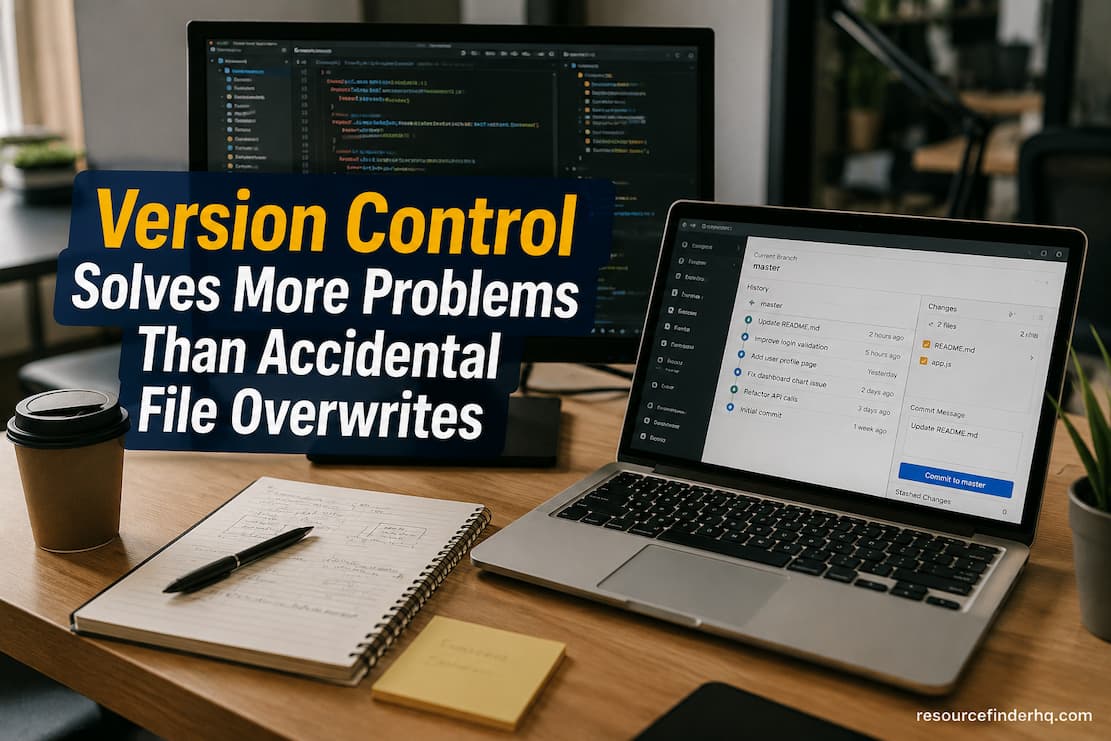
When you open almost any long-running project, you’ll quickly notice a pattern: there are often several files next to each other with names that are very similar. The words “Draft,” “Final,” “Final Revised,” “Final v2,” and “Final Latest” often mean weeks or months of work, but their names don’t really tell you which document you should use. Overwriting by mistake is one reason for these copies, but it’s not the only problem. Today’s digital work involves constant changes, cooperation, approvals, reviews, and experiments. This means that change is not an exception but a normal part of the information lifecycle.
Version control was created to keep up with this ongoing change. It keeps track of how information changes over time and keeps a clear log of those changes. Each revision is not treated as a separate file. This method helps groups understand not only where a project or document is now, but also the choices, changes, and contributions that made it possible.
Every Digital Asset Has a History
A lot of people only look at the most recent version of a document because they are using it right now. In reality, information that is useful is often hidden in older versions. Older drafts can help people understand why certain choices were made, show how standards changed, or be used as proof during audits and compliance reviews.
Imagine a business that keeps its internal security policy up to date over several years. Older versions of the policy show how the organization’s security practices changed in response to new rules, technologies, or practical risks. The current policy explains how things are done now. Because it shows why important changes were made, that old record can be just as useful as the most recent one. Version control knows that data doesn’t stay the same all the time. It doesn’t erase the past with each change; instead, it makes an organized timeline that keeps both recent and old information available for when they are needed.
Collaboration Becomes Easier When Changes Are Visible
These days, projects rarely rest on just one person. Reports, technical documents, software code, marketing materials, engineering designs, and policy documents are often looked over by more than one person before they are finished. Without a reliable way to keep track of changes, it’s especially difficult to quickly figure out who changed what and why.
Using version control makes this process more clear. Instead of using email attachments or comparing files by hand, collaborators can look at a well-organized history of changes. Contributors can see what parts they added, changed, corrected, or took out without having to remember the whole editing process. This exposure also makes it easier to talk to each other. Members of the team don’t have to spend as much time looking for the latest version of a document because the version history makes it straightforward to see how the work has changed over time.
Information Commonly Tracked by Version Control
A version control system might keep track of things like
- When and where each change was made.
- The person who changed things.
- What the update is about.
- Versions of the file from before.
- Status of approval or review.
- How revisions relate to each other.
- History of restoration.
By keeping all of these records together, we can see how information has changed over time instead of just keeping the most current version.
Recovering Earlier Work Is Only One Benefit
Many people think that the most important thing about version control is being able to go back to an earlier version. It’s important to recover, but recovery is only one part of a much bigger system. Teams working on projects often have to compare different versions, look back at past choices, ensure they’re following the rules, look at editing trends, or figure out when certain information was added. Version control helps with these tasks by keeping an organized record instead of just keeping backup copies.
Revision history is useful even when nothing has gone wrong because it helps you see the overall situation more clearly. Without relying on individual memory, organizations can learn from past mistakes, see how projects changed over time, and keep things running smoothly across long-term projects.
Good Version Management Encourages Confident Experimentation
People may hesitate to improve things because they fear losing what already exists. If every change erases older information for permanently then experimenting is dangerous because it might be hard or impossible to fix mistakes. Version control takes away that worry by keeping older versions along with the most recent ones. Teams can improve processes, rearrange documentation, introduce changes to procedures, or try out new ways of doing things while knowing that older versions can still be used if required. This makes improvement more likely because protecting a single copy that can’t be replaced is no longer needed.
Version control doesn’t stop people from making changes; instead, it makes revisions part of a process that is documented and easy to handle. Over time, this approach makes it easier for people to work together and share better information, since updates can be made with more confidence instead of extra caution.
Version Histories Make Accountability Stronger
Figuring out who changed something can be just as important as figuring out what changed where over time. This is especially important when many people work on the same files for weeks or months at a time. If there isn’t a clear past, questions about changes often depend on emails, meeting notes, or personal memories that might not be available anymore.
Version control makes a written schedule that takes away this uncertainty. Each change adds to a well-organized record of how the document changed over time. This makes it easier to find important decisions without stopping work that is already in progress. This amount of responsibility helps more people than just auditors and managers. Members of the team can quickly find old talks, figure out why a change was made, and keep building on past work instead of having the same conversations over and over again.
Different Projects Require Different Versioning Approaches
Digital things don’t all change at the same speed. A company policy might not be changed very often a year, but every week, the detailed documentation for a live software platform might be updated. Different types of writing, like research papers, engineering models, training materials, and marketing content, all have their own ways of being revised.
Version control is rarely used as a one-size-fits-all method because of these differences. Some companies keep official release versions with structured approval processes, while others keep track of smaller revisions that show how people work together every day. The goal stays the same: making sure that every important change can be understood in its rightful place. Instead of making every project follow the same process, flexible version management lets companies adapt how they document to the types of information they produce.
Version Control Supports Compliance
Many different fields have rules that say businesses need to show how important documents have changed over time. A lot of the time, things like financial documents, medical records, engineering specs, legal agreements, and quality management records need more than just the most recent version that was accepted. They also need proof of when and how the changes were made.
Version control helps meet these needs by keeping a clear record of how a text has changed over time. Instead of relying on archived email attachments or copies that are kept by hand, businesses keep a history that can be accessed for reviews, audits, and internal governance. Historical records are still useful even when there aren’t any official rules to follow. They set the stage for future projects, keep institutional information safe, and help people understand why decisions were made many years ago.
Practices That Improve Version Management
Version control is often made stronger by organizations doing things like
- Setting rules for consistent version numbering.
- Writing down revision explanations that make sense.
- Going over changes before big launches.
- Keeping accepted versions of history alive.
- When it makes sense, I limit editing rights.
- Linking revisions to related project material.
These habits make it easier to understand, rewrite histories, and keep things clear when working with others.
Version Control Can be Used with Other Computer Systems
Version control is just one part of a bigger plan for managing information. When it works with structured naming standards, metadata, classification systems, and search technologies, it works better.
Metadata, for instance, lists writers, creation dates, and approval statuses. Classification tells the organization what the document is used for. Search indexes help you find changes, while naming conventions provide information immediately, even before you open the file. Version control adds to these systems by keeping track of changes made to the data over time. All of these parts work together to make a digital space where information is safe and easy to understand at every step of the way.
Importance of Managing Change
Digital data doesn’t usually stay the same for a long time. Long after the first draft is done, documents are improved, rules are changed, designs are made, and collaborative projects keep growing. Keeping track of past, making it easier to work together, making sure people are held accountable, and helping people make smart decisions throughout the information lifecycle are all things that version control does.
Version management that works well is becoming more and more important as businesses rely on shared digital platforms and long-term knowledge repositories. It makes sure that progress doesn’t erase the past but instead builds on it. This way, information can stay correct, readable, and reliable even as teams, technologies, and projects change.
FAQs
1. Is version control important for things other than making software?
Yes. Version control is often thought of in terms of software projects, but it can also help with document management, engineering, research, publishing, legal work, education, and many other areas where information changes over time.
2. Does version control take the place of backups?
No, backups keep data safe if hardware fails, someone accidentally deletes files, or something else goes wrong. Version control keeps a record of every time someone changes information. Most businesses can benefit from using both.
3. For each change, why not just save a new file?
When you make different files quickly, you end up with names that don’t match, duplicated information, and confusion over which version to use. Version control keeps track of changes in a way that makes the past easier to understand and manage.
4. Can older versions be brought back if needed?
Yes. Most version control systems let authorized users look at earlier versions and, if necessary, restore or refer to older versions without getting rid of the younger ones for good.