
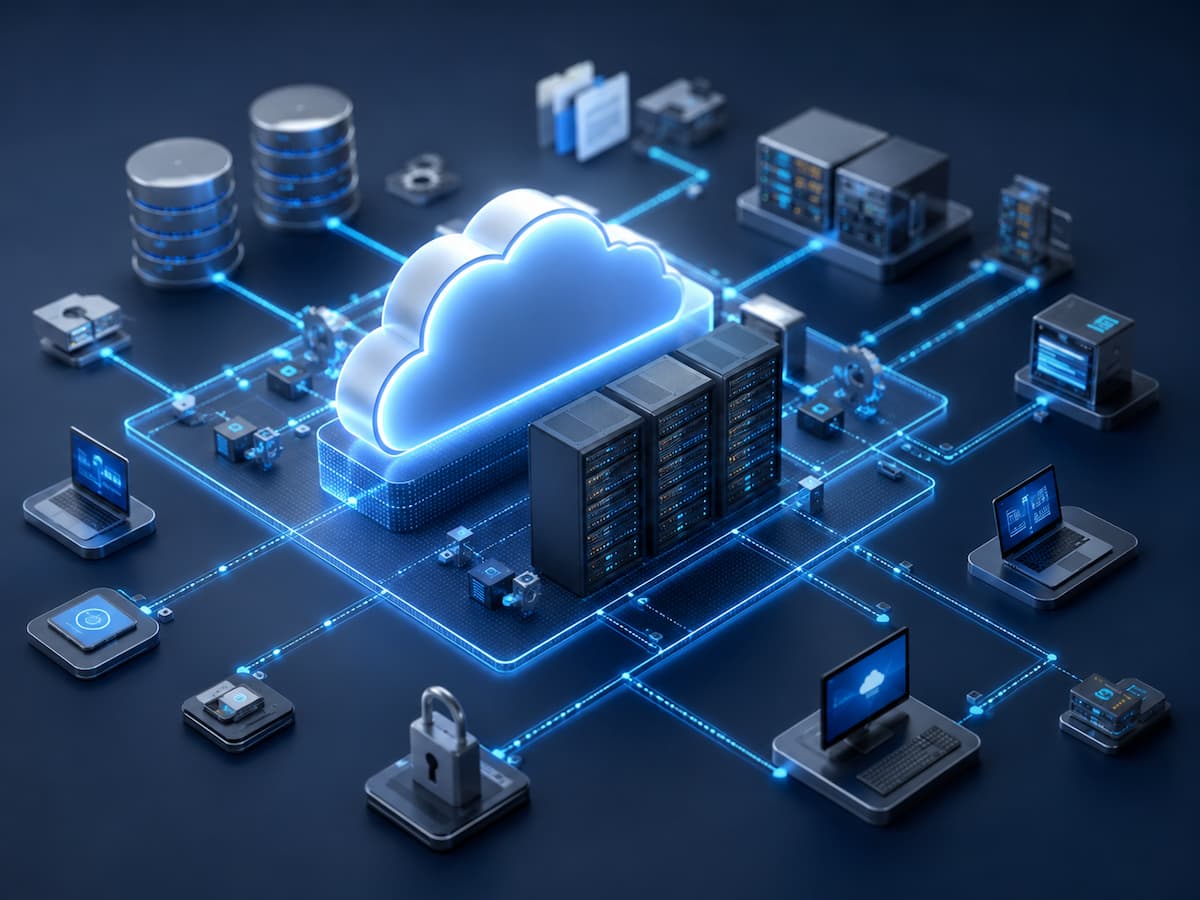
Many think of cloud storage when they hear the phrase “saved on the internet.” The concept can be introduced with that explanation; however, it doesn’t capture the design of modern cloud storage services. In most cases, data backups created by business applications, images synced from smartphones, or documents uploaded from laptops do not make the journey to a single computer in a remote data center. Rather, each upload is integrated into a meticulously orchestrated storage architecture that disperses data, validates its authenticity, safeguards it from hardware failures, and makes it accessible from various devices and places.
The rise of cloud storage beyond its original function as a substitute for traditional storage media and server architectures is best illustrated by this architectural perspective. Nowadays, many businesses depend on it for hosting programs, archiving data for the future, facilitating collaboration, delivering multimedia, and bolstering disaster recovery plans. Using cloud storage as a simple means of moving files onto a single remote machine would render all of these functions unreliable. The backend system that handles the files’ management once the upload is complete is where the true power is.
Uploading a File Starts a Series of Independent Operations
Even though it only takes one click to upload a file, the storage platform really runs a number of other processes before marking the upload as complete. Data integrity checks, segmentation, encryption, metadata assignment, and replication scheduling across storage resources are all possible processes for incoming data. While some of these operations take place during the upload, others persist even after the user has closed the browser.
There is a distinct function for every operation. Verifying the submitted data is identical to the original file is the purpose of integrity checks. Information about the file’s ownership, creation time, type, rights, and storage policies are all recorded in the metadata. Data encryption safeguards data both during transmission and storage on the platform. Data loss due to a hardware failure on one storage device is not certain to be permanent if replication is in place. These steps, when taken as a whole, turn an upload into a controlled storage activity prioritized for dependability over convenience.
Behind One Upload
Although every provider implements its own architecture, a modern cloud storage platform commonly performs tasks such as:
- Verifying that uploaded data has not been corrupted during transmission.
- Recording metadata needed for searching, permissions, and version management.
- Encrypting data before or during storage.
- Determining where replicas should be maintained.
- Applying lifecycle or retention policies when required.
- Updating indexes so the file can be located efficiently later.
These activities occur almost invisibly, allowing the storage platform to prepare the data for long-term management instead of merely placing it on a disk.
The Physical Location of a File Is Often Less Important Than Its Availability
Traditional file servers encouraged people to think in terms of physical storage devices. A document might reside on a particular hard drive inside a specific office or server room. Cloud platforms are built around a different philosophy. Rather than exposing users to the exact location of every file, they focus on ensuring that authorized requests can retrieve the correct information whenever it is needed.
This distinction becomes particularly important as storage systems expand across multiple data centers. A business uploading project documents generally cares about accessibility, durability, and security—not which individual storage device currently contains the information. The architecture therefore abstracts the physical layer, allowing storage software to relocate or replicate data when maintenance, capacity planning, or infrastructure upgrades require changes to the underlying system.
That flexibility also improves resilience. If one storage component experiences problems, another copy may already exist elsewhere within the platform. The application requesting the file continues interacting with the storage service rather than attempting to locate individual disks or servers. In effect, the storage architecture absorbs much of the operational complexity so that users can concentrate on their work instead of the infrastructure supporting it.
Storage Tiers Reflect Different Priorities
Not every file needs to be treated the same way throughout its lifetime. A design document that employees edit every day has completely unique requirements from archived financial records that might remain untouched for several years. Recognizing this difference, cloud storage platforms commonly organize data into storage tiers optimized for different access patterns rather than relying on one uniform environment.
Infrastructure designed to deliver low-latency retrieval typically stores frequently accessed information, making it suitable for active applications and collaborative work. Less frequently used data may be moved to storage optimized for lower operating costs, even if retrieval requires additional time. Long-term archival storage often represents another category altogether, emphasizing durability and efficient preservation instead of immediate accessibility.
The movement between these tiers does not necessarily require manual intervention. Many organizations define lifecycle policies that automatically relocate files according to age, usage frequency, compliance requirements, or business rules. This approach allows storage resources to be used more efficiently while ensuring that important information remains available through the same storage platform regardless of where it is physically maintained.
Synchronization Is Different From Storage
People sometimes use the terms “cloud storage” and “file synchronization” interchangeably, yet they solve different problems. Storage focuses on preserving information reliably over time, while synchronization is concerned with keeping copies of that information consistent across multiple devices and users.
Consider a project team working from laptops, tablets, and desktop computers in different locations. When one member updates a shared document, synchronization services detect the change, identify what has been modified, and distribute those updates to other authorized devices. The storage architecture provides the secure repository for the document, while the synchronization layer manages how changes propagate throughout the environment.
Separating these responsibilities allows each system to specialize. Storage emphasizes durability, organization, and protection. Synchronization emphasizes consistency, conflict resolution, and timely distribution of updates. Although users experience them as part of one service, they represent different architectural functions operating together.
Data Durability Depends on Redundancy, Not a Single Copy
Saving a file successfully is only the beginning of its lifecycle. The greater challenge is ensuring that the same file remains accurate and recoverable months or even years later despite hardware failures, maintenance activities, or unexpected disruptions. Cloud storage platforms address this challenge by designing for durability rather than relying on the reliability of individual storage devices.
Storage systems don’t expect every disk to work forever; they expect some parts to break down at some point during their operational life. Drives wear out, servers are replaced, network equipment is upgraded, and entire racks may undergo maintenance without warning. Rather than treating these events as exceptional, cloud architectures are built to continue operating while individual components are repaired or replaced.
This philosophy explains why modern storage platforms maintain multiple protected copies—or use other redundancy techniques—across different storage resources. The objective is not simply to have backups but to ensure that no single hardware failure becomes the reason important information disappears. Users generally never see this process because the platform continuously monitors storage health and restores the desired level of protection whenever changes occur.
Redundancy Serves Multiple Purposes
Cloud storage does not create the additional copies solely for disaster recovery. They also support everyday operations, including:
- Maintaining data availability during hardware maintenance.
- Recovering automatically from storage device failures.
- Improving resilience against localized infrastructure problems.
- Preserving long-term data integrity through continuous verification.
- Supporting business continuity when systems need to be migrated or upgraded.
By distributing responsibility across the storage environment, cloud platforms reduce dependence on any individual piece of hardware.
Metadata Often Becomes as Valuable as the File Itself
When users consider storage, they usually focus on the documents, images, videos, or databases themselves. Yet cloud platforms also manage extensive metadata describing every stored object. This information allows the platform to understand what the file is, who owns it, when it was created, which security policies apply, whether previous versions exist, and how the file should be handled throughout its lifecycle.
Without metadata, even locating information efficiently would become far more difficult. Search functions, permission management, automated retention rules, and collaboration features all depend on structured information that exists alongside the stored content. In large enterprise environments containing billions of files, metadata enables the storage platform to organize information without requiring users to remember exactly where every file resides.
For developers, metadata also opens opportunities to automate workflows. Applications can classify uploaded files, trigger document processing, apply compliance policies, or initiate archival procedures based on attributes associated with the stored object rather than relying on manual intervention.
Security Extends Beyond Encrypting Stored Data
Encryption is often highlighted as the defining security feature of cloud storage, but protecting information requires a broader architectural approach. Security begins before data reaches the storage platform and continues throughout the entire lifecycle of the stored information.
Identity management determines who is allowed to upload, view, modify, or delete data. Access policies ensure that employees, customers, and applications receive only the permissions necessary for their responsibilities. Audit logging records important administrative activities, which creates accountability when someone accesses or modifies sensitive information. Many platforms also support version history, making it possible to recover earlier copies of files if accidental changes or unwanted deletions occur.
These layers work together because encryption alone cannot prevent every security problem. A properly encrypted file still requires effective authentication, carefully managed permissions, and continuous monitoring to ensure that only authorized users interact with the information.
Security Responsibilities Within Cloud Storage
| Security Function | Purpose |
|---|---|
| Authentication | Confirms the identity of users or applications requesting access. |
| Authorization | Determines what actions each user or service is allowed to perform. |
| Encryption | Protects data while stored and during transmission. |
| Version Management | Preserves earlier file revisions for recovery when needed. |
| Audit Logging | Records significant activities affecting stored information. |
Cloud Storage Continues Working Long After the Upload Finishes
One of the defining characteristics of modern cloud storage is that the system remains active even when users are no longer interacting with it directly. Behind the scenes, storage platforms continuously verify data integrity, rebalance storage capacity, migrate information between storage resources, refresh redundancy, optimize performance, and enforce lifecycle policies according to organizational requirements.
These background activities explain why cloud storage should be viewed as an ongoing service rather than a remote hard drive. The infrastructure continuously manages stored information so that users can retrieve it reliably without needing to understand the operational work taking place behind the scenes. As organizations accumulate larger volumes of digital information, this continuous management becomes increasingly valuable because manual administration would quickly become impractical.
FAQs
1. Is cloud storage simply another name for online file storage?
Not exactly. Online file storage is one capability provided by cloud storage platforms, but the underlying architecture also includes redundancy, security controls, metadata management, lifecycle automation, synchronization services, and infrastructure designed for long-term reliability.
2. Can cloud storage function without internet access?
Accessing cloud-stored information generally requires network connectivity. Some applications temporarily keep local copies of recently used files so work can continue offline, synchronizing changes once connectivity is restored.
3. Why do businesses use different storage classes?
Different types of information have different access requirements. Frequently used operational data benefits from fast retrieval, while archived records may prioritize long-term preservation and lower storage costs over immediate availability.
4. Does deleting a file immediately remove every copy?
Not always. Depending on platform policies, version history, retention settings, legal requirements, or backup strategies, some copies may remain available for a defined period before permanent deletion occurs.
Cloud Storage Is an Ongoing Management System
Viewing cloud storage as “files saved somewhere on the internet” captures only a small part of what modern storage platforms actually do. Behind every uploaded document is an architecture responsible for protecting data, maintaining redundancy, managing permissions, organizing metadata, applying lifecycle policies, and ensuring that information remains available despite changes occurring within the underlying infrastructure.
As businesses and individuals continue generating larger volumes of digital content, the importance of this architecture will continue to grow. Reliable storage is no longer defined simply by where a file is located but by how effectively the platform preserves, protects, and manages that information throughout its entire lifecycle. That shift—from storing files to continuously managing digital assets—is what distinguishes modern cloud storage architecture from the simpler file servers that preceded it.